Muse Gadget: Just how portable can you get?
Muse.ai on Xteink X3
I've been trying to tweak my Xteink X3 to hook up to my AI setup, just because it's small, portable and I thought it would be fun.
2 weeks later, I realised there literally was nothing much I could add. I started where everyone started with Crosspoint and then moved to flowe-os.
But I was kinda disappointed with what I was getting.
Then I saw the Muse Gadget SDK and I knew this would be crazy fun. It said it supports ESP32 boards but Xteink X3 uses a smaller version.
So I loaded it up and started twiddling and I had a beautiful prototype within a couple hours.
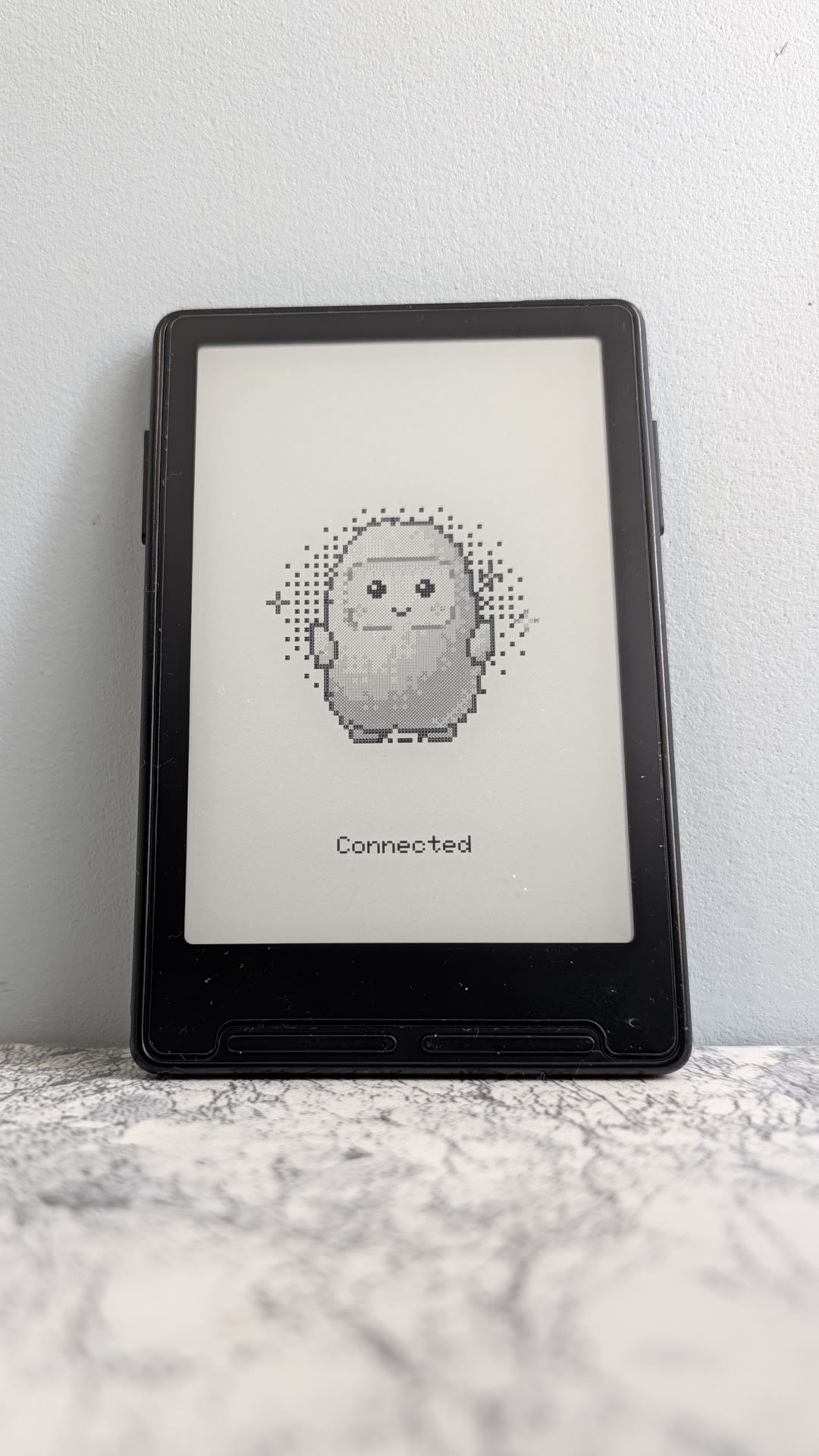
What I got it to do
Basic e-paper display stuff connected to a home wifi. I now have priorities, workouts, notes and everything flowe-os has!
You can scroll through each tab and go through items and check or cancel them with the small buttons on the device.
Stupid ESP32-C3 problems.
The X3 runs on an ESP32-C3. It has 321 KB of RAM in total and no extra memory chip. Every board in the SDK with a real screen had 8 MB of extra RAM. The SDK's own e-paper code wants 384 KB just for one picture.
My first build worked without changing any source code. With the Muse session connected, 59 KB was free and the largest free block was 11 KB. The log showed the session failing to get its memory four times before the fifth try worked.
I had to hack it so that the code that is placed in RAM for speed comes out of the same pool as everything else. The SDK defaults put about 90 KB of Wi-Fi and Bluetooth code there. A device that shows a still page does not need fast Wi-Fi.
Screen Rendering in 52 KB :|
Even with memory back, the screen has to render within 52KB. The X3 panel is 792 by 528 pixels in black and white, which is 52 KB at one bit per pixel.
So, I draw straight into that one buffer. Pictures are dithered as they arrive, so there is no second copy.
Page turns were the next problem. However since this was designed as an e-readers, the display controller keeps the last picture in its own memory if you do not put it to sleep. So the firmware leaves it awake and a page turn takes 650 ms with no flash.
Seriously where do we go from here?
Well muse now has full control on what it can and can't render so anything I put on muse can go and tweak the screen for later offline viewing.
I might even try to load some books back on or get AI summaries to be loaded into this.
Credits
The screen driver sequences and voltage tables come from the FreeInk SDK, which the CrossPoint Reader community built by reverse engineering this device. I would not have had a picture on the screen without it.
If you have an X3, the code and a step-by-step guide are in the repo. If you have another ESP32-C3 board, the seven memory lines should work for you too.